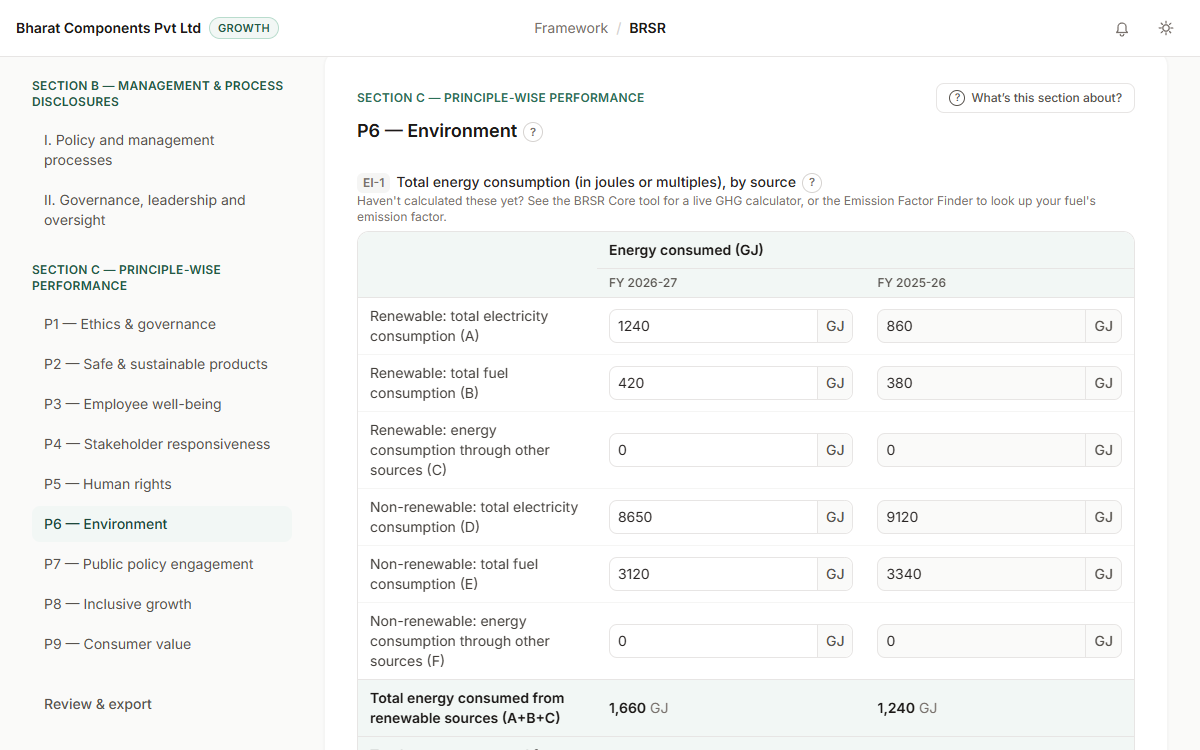
BRSR wizard
SEBI's BRSR format as a guided form, one question at a time, with plain-language help and your answers saved to your account.
SDG MapperBeta
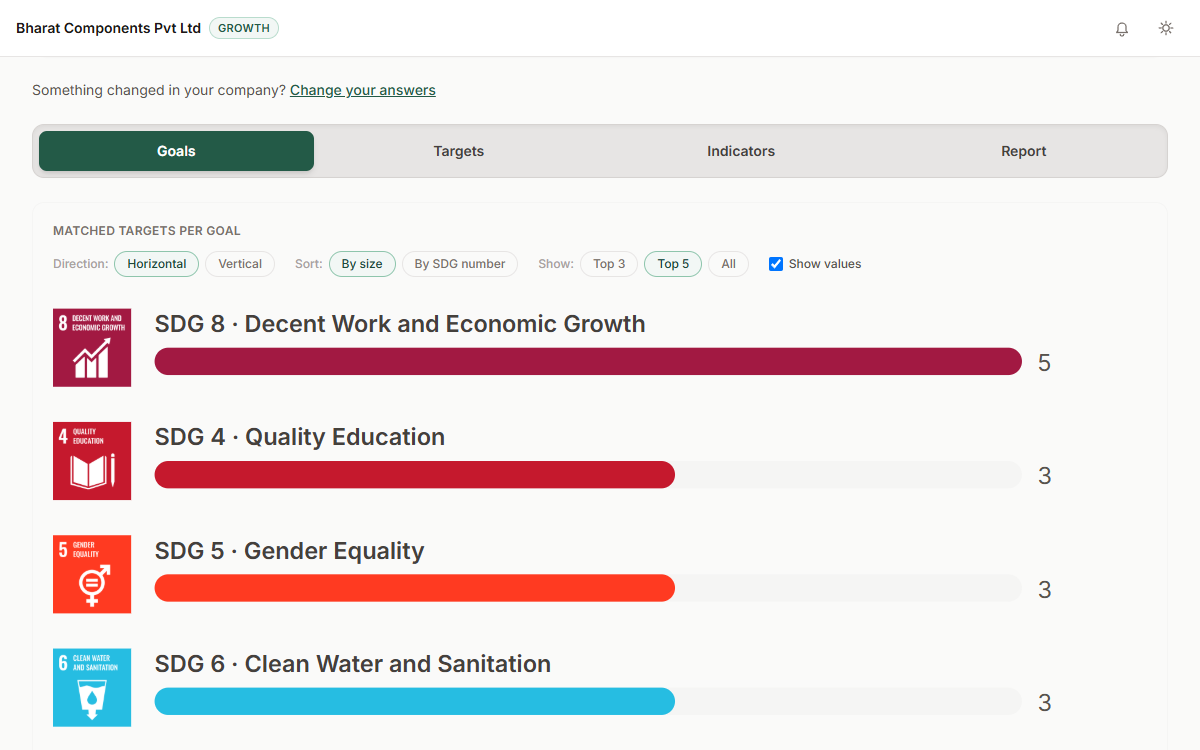
The SDG Mapper links your practices to the 17 United Nations (UN) Sustainable Development Goals (SDGs) and their targets, through the nine NGRBC (National Guidelines on Responsible Business Conduct) principles behind BRSR.
Customers and investors ask which SDGs you contribute to. Claiming a goal without a clear link looks like greenwashing. Working out the targets by hand from the UN's long lists is slow.
Step 1: Tick the practices your company already follows, grouped under the nine NGRBC principles.
Step 2: See the goals and targets they support, with charts and the reason for each link.
Step 3: Save the mapping, give it a name, and download the results.
Prices in rupees, with GST (Goods and Services Tax) shown.
SEBI's BRSR format as a guided form, one question at a time, with plain-language help and your answers saved to your account.
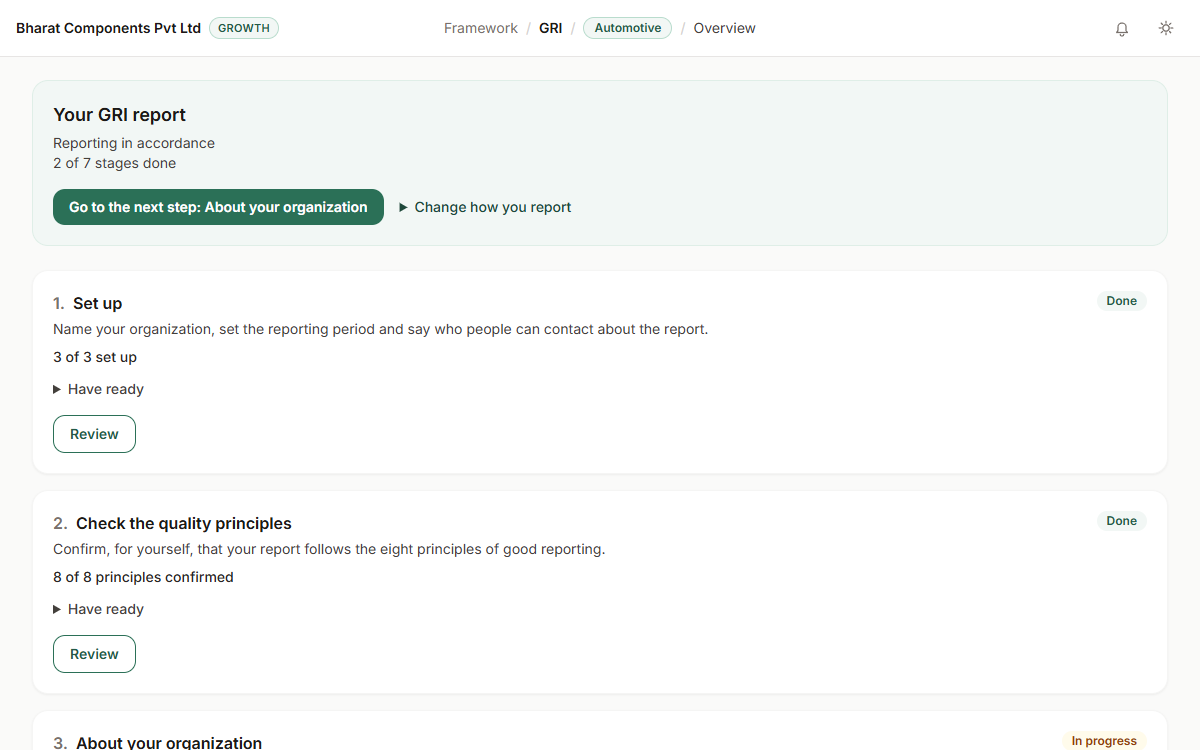
Build a sustainability report that reports against the GRI Standards, reusing your BRSR figures where they fit exactly.
Every question in BRSR hangs off one of 9 principles. Here's what each one actually means, in plain English, with no legal phrasing.
ESG stands for Environmental, Social, and Governance. Here's what it actually means for an Indian company, in plain language, with no jargon.
You can use the guided checklist on the free Starter plan. On Starter, you can upload a report and download a heavily watermarked PDF, but nothing from an uploaded report is kept on Starter, so History is off. The Excel workbook needs the Growth plan. On Starter, PDF exports are heavily watermarked.
We take out its text and send it to the European Commission's SDG Mapper service to be scanned. On Growth, the text is stored encrypted, for your company only. On Starter, nothing is kept: the result stays on your screen, you can download a heavily watermarked PDF, and History is off. The file itself is never kept.
Yes. Open a saved checklist mapping and choose to change your answers. The results update to match.
Create your company account on the free Starter plan. Upgrade when you need more.