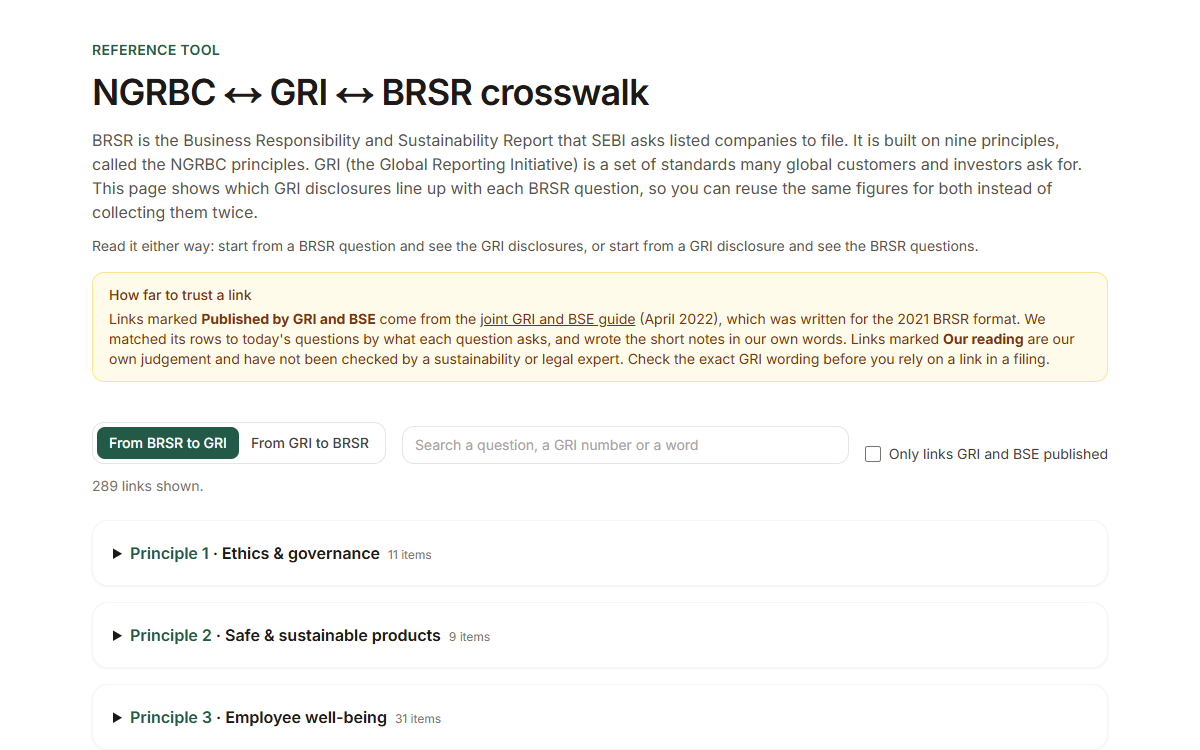
Framework crosswalk
See which GRI disclosures line up with each BRSR question, both ways, so one set of figures serves both. Free, no account needed.
GRI reporting
The GRI tool reports against the GRI Standards, the sustainability reporting standards of the Global Reporting Initiative (GRI). Every answer box is mapped to GRI disclosures, and all the help is written in our own plain words.
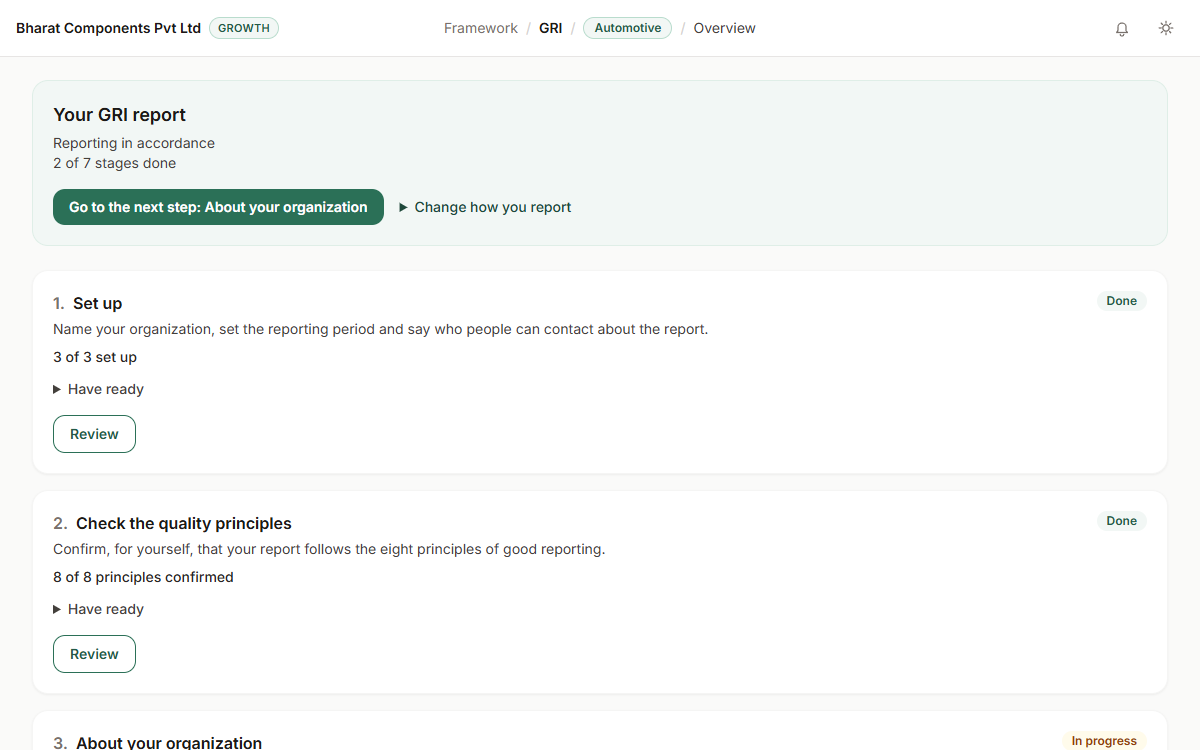
Global customers and investors often ask for a report against the GRI Standards. The Standards are long. Most of the work is deciding what applies to you. Working out which topics matter, and what each disclosure needs, is slow without help.
Step 1: Choose how you will report: in accordance with the Standards, or with reference to the parts you pick.
Step 2: Decide which topics matter to your company, with a guided assessment if you want one, then pick the disclosures.
Step 3: Answer each requirement, attach your evidence, and export the report with its content index.
Prices in rupees, with GST (Goods and Services Tax) shown.
See which GRI disclosures line up with each BRSR question, both ways, so one set of figures serves both. Free, no account needed.
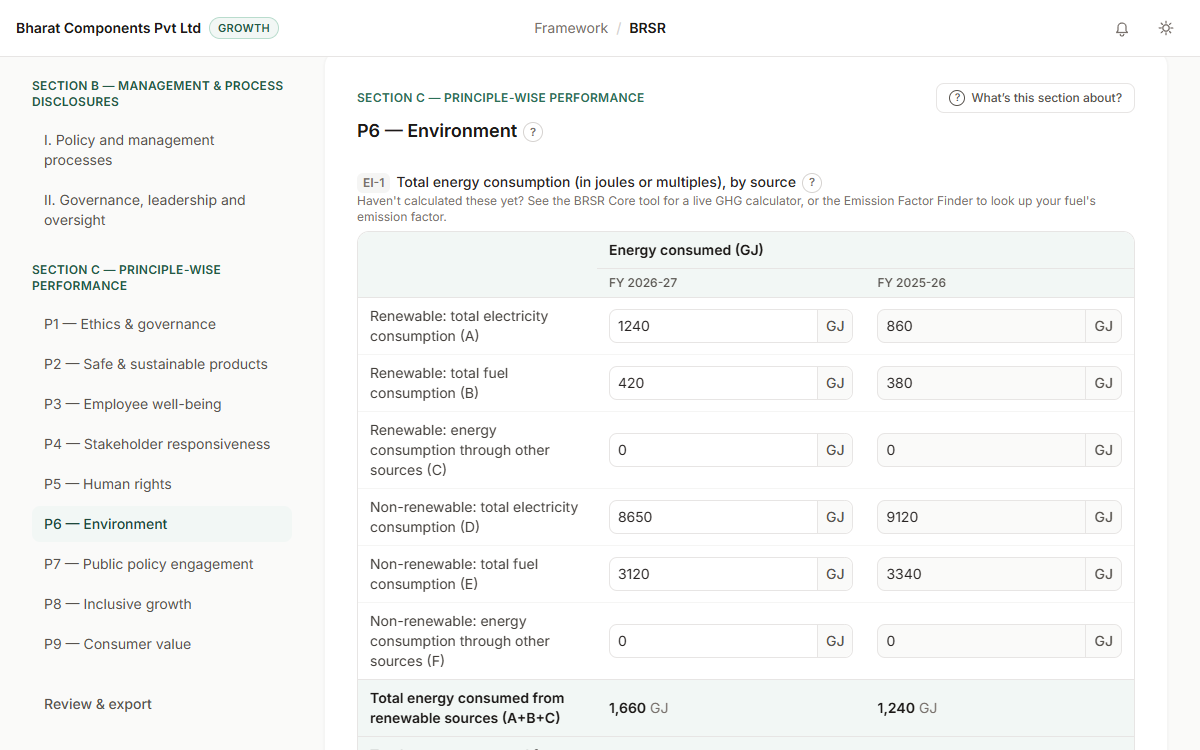
SEBI's BRSR format as a guided form, one question at a time, with plain-language help and your answers saved to your account.
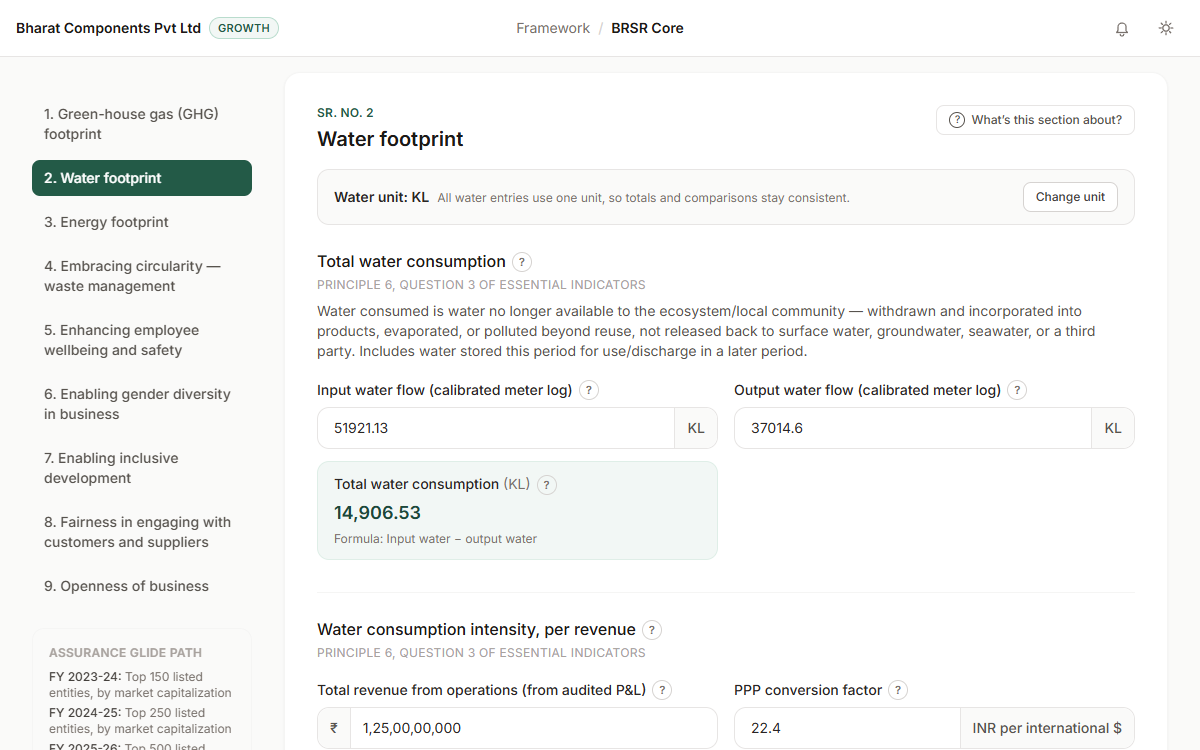
The BRSR Core figures that get assured, with built-in formulas, one unit for each group of figures and evidence on each one.
Materiality just means: which ESG issues actually matter for your business? Here's how to figure that out without hiring a consultant for your first pass.
GRI, TCFD, and BRSR won't cost you anything to report against. CDP, EcoVadis, and Sedex will. Here's a plain-language cost breakdown before you commit to any of them.
No. You can start a GRI report on its own. If you have entered BRSR figures for the same year, the tool offers to carry over the ones that match exactly.
GRI reporting is part of the paid Growth plan, which includes clean PDF and Word exports and earlier reporting years. You can try Growth free for 7 days and cancel any time.
No. The labels and help are written in our own plain words. Keep a copy of the Standards from GRI's website to check the exact requirements.
Yes, on the Growth plan. You send one person a private link. They fill in the boxes you chose, and you accept or reject each answer before it goes into your report.
No. When your report is ready, the tool drafts the email that tells GRI you used the Standards. You check it and send it yourself.
Try the Growth plan free for 7 days, once for each company account. Starting the trial needs a UPI AutoPay mandate or a card. Cancel before it ends and you pay nothing.